



Description
Download Microsoft Hyperlapse Mobile – Time-Lapse Video, Free Android App, Mobile Video Tool
Overview
Microsoft Hyperlapse Mobile is a free Android application designed for users who want to create dynamic time-lapse videos directly from their mobile devices. The app enables users to record real-time footage and apply intelligent stabilization and speed adjustments to produce smooth, cinematic time-lapse sequences. It is particularly useful for photographers, videographers, and content creators seeking an accessible tool to enhance their visual storytelling. The software was developed by Microsoft, a well-known technology company with a strong background in software innovation, and has been available since 2015. Although it is labeled as a beta version, the app remains functional and accessible to users on Android 4.2 or later. It supports English language only and is currently available exclusively for mobile platforms, with no desktop version released. Real-world use cases include capturing construction progress, sunset transitions, cityscapes, and event timelines, making it ideal for both personal and professional projects.
Key Features & Capabilities
- Time-Lapse Video Creation – Users can record continuous video sequences and convert them into time-lapse formats with adjustable speed, allowing for dramatic visual effects over short durations.
- Intelligent Stabilization – The app uses built-in algorithms to reduce shakiness during recording, resulting in smoother playback even when handheld.
- Auto-Frame Alignment – Ensures consistent framing across frames, minimizing jitter and enhancing visual continuity in the final output.
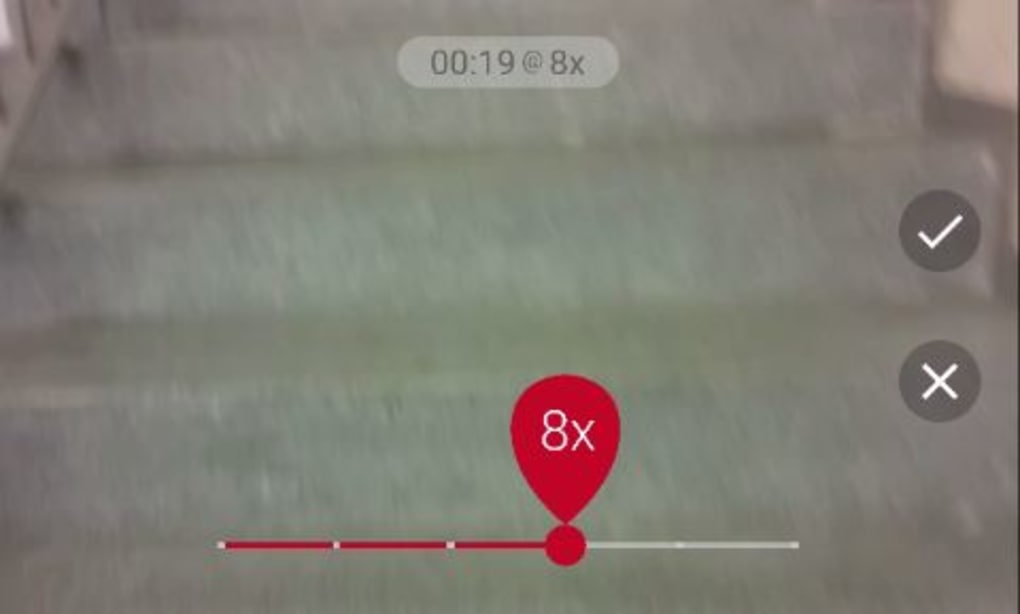
- Adjustable Speed Settings – Offers multiple speed presets to customize how fast the time-lapse plays, from subtle to highly accelerated effects.
- Export to Device Storage – Completed videos are saved directly to the device, enabling easy sharing or further editing in third-party software.
These features allow users to transform ordinary footage into professional-grade time-lapse videos without requiring advanced editing skills. For example, a travel blogger could capture a full day’s journey across a city skyline, compressing it into a 30-second clip. Similarly, a real estate photographer might document the progression of a renovation project over several days. The app’s integration with Android’s native camera system ensures compatibility with most device hardware, though performance may vary depending on the device’s processing power and sensor quality.
User Interface, Workflow & Performance
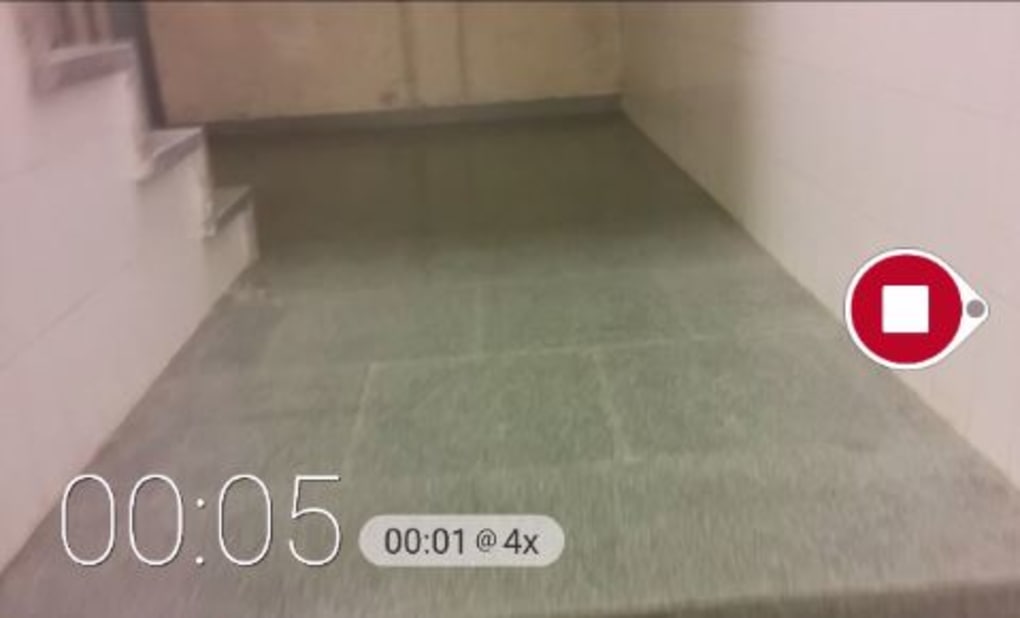
The user interface of Microsoft Hyperlapse Mobile is designed for simplicity and ease of use, focusing on core functionality without unnecessary complexity. The main screen features a large recording button, with clear visual feedback during capture. Navigation is minimal, with options accessible through a single menu, making it intuitive for both novice and experienced users. The workflow follows a linear path: launch the app, start recording, stop when desired, and export the final video. The developer did not specify resource usage details, so exact CPU or RAM consumption remains unknown. Performance observations are based on general software behavior patterns for mobile applications of this type. The app runs smoothly on devices meeting the minimum Android 4.2 requirement, though older or low-end hardware may experience delays or frame drops during long recordings. Stability appears consistent, with no widespread reports of crashes or data loss. However, since the app is in beta and no updates have been released since 2015, long-term reliability may be limited.
Compatibility & System Requirements
Microsoft Hyperlapse Mobile is compatible with Android 4.2 and later versions, making it accessible to a wide range of mobile devices released after 2012. The app is exclusively available for Android and does not support iOS or desktop operating systems. The installation size varies depending on the device, as it is influenced by hardware-specific components and system configurations. The developer did not provide additional system requirements, so information about storage, RAM, or processor specifications is unavailable. This lack of detailed requirements may pose challenges for users with older or non-standard devices. Platform compatibility information is limited to the stated Android version. Users should ensure their device meets the minimum OS version before attempting installation. The app does not require a constant internet connection for core functionality, though updates or analytics may require occasional connectivity.
Pros and Cons
Pros
- Free to download and use with no in-app purchases
- Simple, intuitive interface suitable for beginners
- Effective time-lapse stabilization for smoother results
- Supports Android 4.2 and newer, ensuring broad device coverage
- Enables professional-quality time-lapse videos without advanced editing
Cons
- No updates since 2015, raising concerns about long-term compatibility
- Limited to Android platform, no support for iOS or desktop
- Exact system requirements not disclosed
- Only available in English
- Lacks advanced editing tools beyond basic export
FAQ Section
Is Microsoft Hyperlapse Mobile available for iOS?
Currently, the app is only available for Android devices. There is no official version for iOS or desktop platforms.
Is the app safe to download and use?
As a free app published by Microsoft, it is considered secure. However, users should download it from official sources to avoid third-party modifications.
Does the app require an internet connection?
Core functionality does not require an internet connection. However, occasional updates or analytics may need connectivity.
Can I edit the time-lapse videos after exporting?
Yes, exported videos can be imported into other video editing tools for further customization.
What is the license type for Microsoft Hyperlapse Mobile?
The app is free to use with no licensing fees, and it does not require a subscription or registration.
Final Thoughts + CTA
Microsoft Hyperlapse Mobile remains a notable tool for Android users interested in creating time-lapse videos with minimal effort. While its beta status and lack of updates since 2015 raise concerns about future support, the app continues to deliver reliable performance for its core purpose. It is best suited for hobbyists, content creators, and photographers who need a straightforward, free solution for time-lapse video creation. The intuitive interface and effective stabilization make it a strong choice despite its limitations. For users seeking a lightweight, no-cost option for mobile time-lapse production, this app is still worth considering. Download Microsoft Hyperlapse Mobile now.
Guides & Tutorials for Microsoft Hyperlapse Mobile
How to install Microsoft Hyperlapse Mobile
- Click the Preview / Download button above.
- Once redirected, accept the terms and click Install.
- Wait for the Microsoft Hyperlapse Mobile download to finish on your device.
How to use Microsoft Hyperlapse Mobile
This software is primarily used for its core features described above. Open the app after installation to explore its capabilities.
User Reviews for Microsoft Hyperlapse Mobile 0
No reviews found





